Workflow Automation Tools: How to Choose the Right One for Your Business
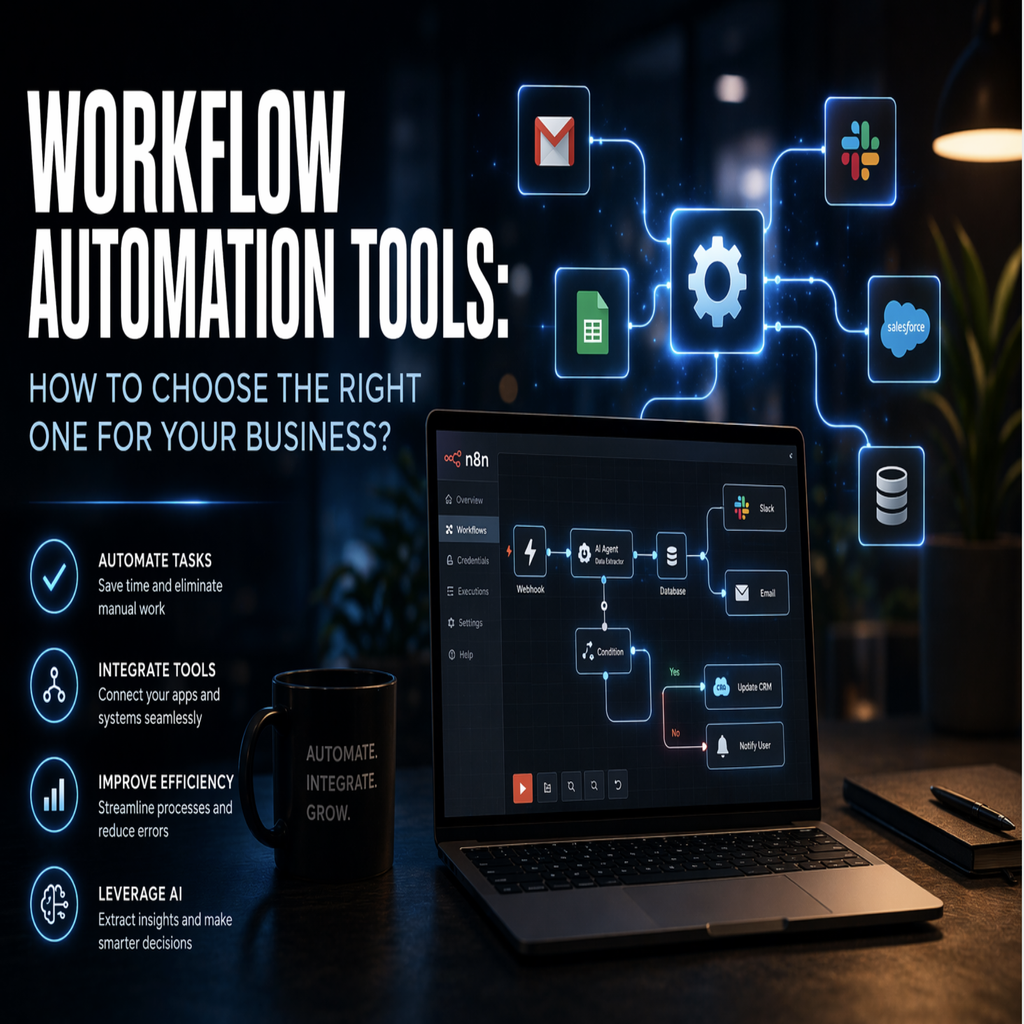
Most businesses have a version of the same problem. There are tasks that run the same way every single time, tasks that require no judgement, no creativity, and no human input beyond someone pressing a button or copying something from one place to another. Those tasks are being done manually anyway, every day, by people who could be spending their time on something that actually needs them. The tools to fix this have been accessible and affordable for years. The gap is usually not awareness, it is knowing where to start and which tool is actually right for what you are trying to do.
That is what this article is about. Not a list of products, but a practical way to think about the landscape of workflow automation tools, what different categories of tool are suited to, and where the line is between something you can configure yourself and something that needs to be built for you.
What workflow automation means when you strip away the jargon
The phrase gets used to cover a wide range of things, so it is worth being precise. At its core, workflow automation is the practice of replacing a human-driven sequence of steps with a system that executes those steps automatically, triggered by a condition or a schedule, without anyone needing to initiate it.
The simplest form is a trigger and an action. A new order arrives on your website and the system automatically sends a confirmation email. A form is submitted and the data is written to a spreadsheet and forwarded to a team member. A calendar event is created and a Slack message goes out to a channel. These are single-step automations, and most workflow automation apps can handle them with no code and in a matter of minutes.
Business workflow automation gets more interesting when the sequences become multi-step, conditional, or involve understanding context rather than just moving data. That is where the complexity lives, and that is where the choice of tool starts to matter significantly.
The main categories of workflow automation tools and what they are actually for
The market divides roughly into three tiers, and understanding the difference between them saves a lot of time and money.
The first tier is consumer-grade automation platforms. Zapier is the most widely known. These tools are built around a library of pre-built connectors to popular services and a simple interface for linking triggers to actions. They are excellent for individuals and small teams who need to connect two or three tools together without writing any code. The trade-off is that they charge per task, they have limited flexibility when logic becomes complex, and they are not designed for processes that require custom code, branching conditions, or large data volumes.
The second tier is mid-range platforms like Make (formerly Integromat) and similar tools. These offer more visual complexity, better handling of multi-step flows, and more control over data transformation between steps. They are a genuine step up from Zapier for businesses with more demanding needs, though they still operate within the constraints of what connectors have been built and what the platform supports natively.
The third tier is what you reach when the process you need to automate does not fit neatly into what any pre-built platform offers. This is where custom-built automation using tools like n8n becomes the right approach, and where the distinction between a workflow automation app and a workflow automation system becomes meaningful.
Workflow automation examples that show where each approach works
Abstract categories are less useful than concrete examples, so consider a few real scenarios.
A marketing agency that needs to pull leads from a Facebook ad campaign, add them to a CRM, send a welcome sequence from an email platform, and notify the account manager in Slack is a good fit for a consumer-grade tool. Every step involves widely used services that any major platform has connectors for. The logic is linear. Zapier or Make handles this comfortably.
A logistics company that needs to monitor inbound supplier emails, extract key data from those emails using AI to parse unstructured text, update a custom database, trigger a conditional approval workflow depending on order value, and send formatted summaries to different stakeholders is already beyond what most workflow automation apps handle reliably. The unstructured text parsing, the custom database integration, and the conditional branching all point toward something custom-built.
An e-commerce operation that wants to combine customer purchase history, behaviour on the site, and support ticket data to trigger personalised retention workflows is firmly in the territory of ai workflow automation built around a specific data architecture. No off-the-shelf tool makes this trivial.
These are not edge cases. They are the kinds of workflows that growing businesses run into as soon as they move past the simple stuff.
Why n8n has become the tool of choice for custom automation builds
N8n workflow automation has gained serious adoption among engineers and automation consultants over the last few years, and it is worth understanding why. Unlike consumer platforms, n8n is open-source and can be self-hosted, which matters for businesses with data sovereignty concerns or compliance requirements. It supports custom code within workflows, meaning you are not limited to what the platform has pre-built. It has a visual workflow editor that makes complex flows readable, and it handles branching, looping, error handling, and webhooks in a way that consumer tools do not.
The practical consequence of this is that n8n workflow automation can be used to build processes that behave like software rather than like a series of integrations. An automation that reads emails, uses an AI model to classify and extract information, updates multiple systems based on that classification, logs everything to an audit trail, and alerts a human only when intervention is required is not something you configure in Zapier. It is something you build in n8n.
This does not mean n8n is always the answer. For simple integrations between popular tools, using a consumer platform is faster and costs less to maintain. The right question is not which tool is best in general. It is which tool is appropriate for the complexity of what you are actually trying to automate.
The case for workflow automation consulting before committing to a tool
One of the more expensive mistakes businesses make is buying a tool before understanding the process. Workflow automation consulting, when it is done well, is not about selling you a particular platform. It is about mapping what you are currently doing manually, identifying where automation creates the most value, and then choosing the approach that fits. The conversation about tools comes after the conversation about process.
This matters because the wrong tool creates its own burden. A business that buys an enterprise automation platform for workflows that could be handled by a mid-range tool is paying for capability it does not use. A business that tries to build complex AI-driven processes on a consumer tool spends months fighting the platform's limitations before accepting that it was the wrong choice from the start.
A proper automation audit asks straightforward questions. Which processes are you doing manually that follow a consistent pattern? Where are the delays in your operations caused by waiting for someone to do something a system could do immediately? What does a mistake in this process cost you, in time, in money, or in customer experience? The answers to those questions define what to automate first and what kind of workflow automation tools are actually appropriate.
How ai workflow automation changes what is achievable
The arrival of capable AI models has expanded what business workflow automation can do in a meaningful way. The previous generation of automation tools worked on structured data. If the input followed a predictable format, the automation worked. If it did not, it broke.
AI changes this because it can work with unstructured input. An email written in natural language, a document uploaded by a customer, a voice note sent via WhatsApp, a support ticket with unclear context. AI can read these, understand the intent, extract the relevant information, and feed it into an automation pipeline as structured data that the rest of the system can act on.
The result is that the scope of what can be automated has grown considerably. Processes that were previously too variable to automate reliably are now automatable. First-contact customer communication, contract review routing, internal approval workflows that require understanding context, these are all areas where ai workflow automation is producing real results for businesses that have invested in building it properly.
The constraint has shifted from technical capability to implementation quality. The tools can do more than most businesses are asking of them. The gap is in understanding what is possible and having the technical depth to build it correctly.
Getting started
If you have been reading this and recognising processes in your own business that should not be running manually, the most useful next step is not to go and sign up for a workflow automation app. It is to map out what you are actually dealing with before choosing anything.
At Fomad we build automation systems for businesses that are ready to stop doing manually what a system can do for them. That includes an automation audit to identify which workflows have the most impact and in what order to tackle them, end-to-end pipeline design and build, API integrations that connect the tools you already use into a single coherent flow, and proper documentation so your team understands what was built and why.
Projects start from €500 depending on scope. If you want to understand what your specific processes would involve to automate properly, get in touch and we will work through it together. The first conversation is about your situation, not about selling you anything.