Invoice Automation: How to Generate and Send Invoices Without Lifting a Finger
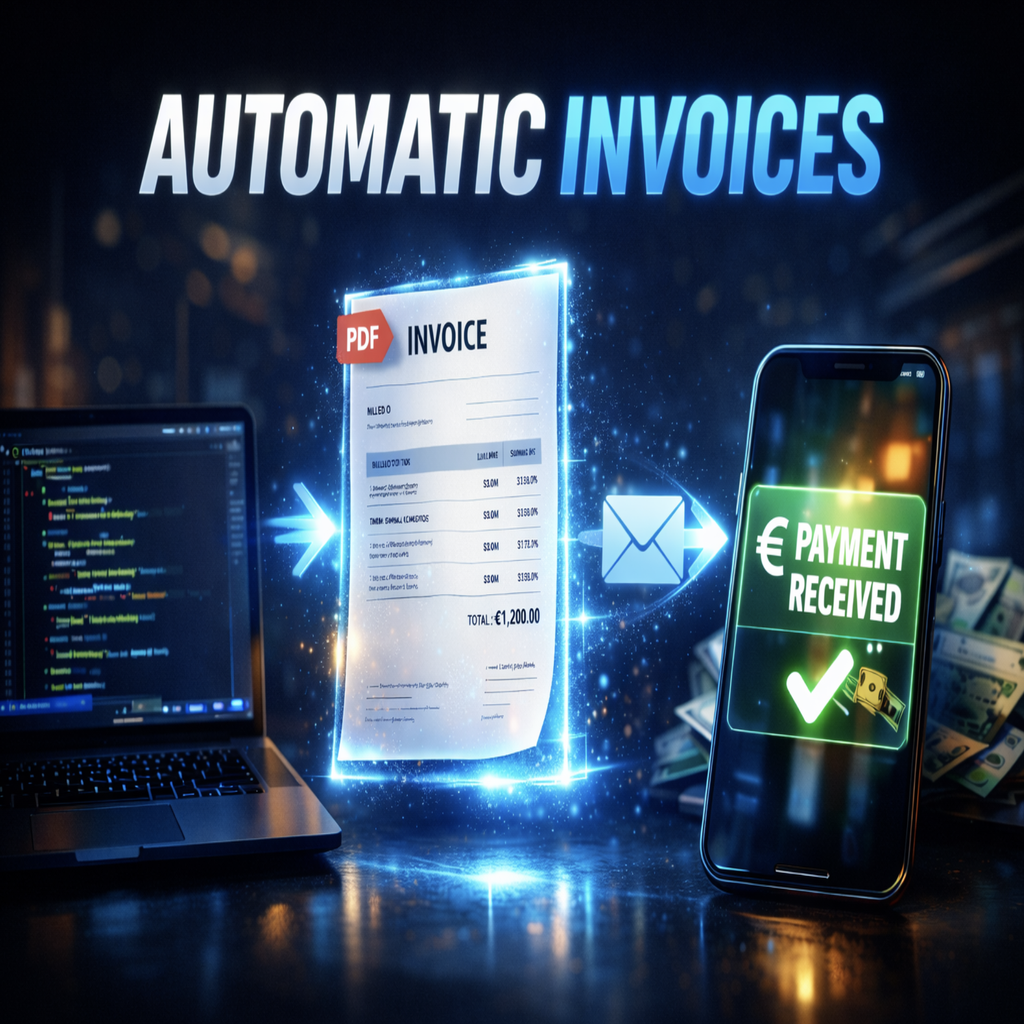
Every business that invoices clients has a version of the same routine. A project completes, a service gets delivered, or a monthly cycle rolls around. Someone opens a template, fills in the client name, the line items, the amount, and the due date. They check it. They send it. They wait. Then, two weeks later, they chase it. This routine runs every month, sometimes every week, sometimes dozens of times a week, and every single step of it can be handled by a system instead of a person.
Invoice automation is not a new idea, but the version available to businesses in 2026 is meaningfully different from what existed even a few years ago. It is no longer just about generating a PDF faster. Modern invoice automation covers the full cycle: creation, delivery, tracking, reminders, reconciliation, and reporting, all running without manual input unless something genuinely requires human attention.
How much manual invoicing is actually costing you
The visible cost of manual invoicing is the time it takes to create and send each one. If you have a team member spending three hours a week on billing admin, that is around 150 hours a year on a task that adds no value to the work you actually do. At any reasonable salary, that number is uncomfortable.
The less visible cost is in errors and delays. Manual data entry means mistakes. A wrong amount, a wrong payment reference, a client name that does not match your accounting records. Each of those errors takes time to catch and fix, sometimes after the invoice has already been disputed. Then there is the delay between work completing and an invoice going out. In many businesses, invoices sit unsent for days because the person responsible had other priorities. Every day an invoice sits unsent is a day added to your cash collection cycle.
The third cost is the follow-up work. Chasing late payments is one of the tasks people dislike most in business administration. It feels awkward, it takes time, and it is entirely avoidable. A properly built invoice automation process sends reminders automatically, on schedule, without anyone having to decide when to chase or draft a message to do it.
What the invoice automation process looks like end to end
The full invoice automation process starts before the invoice is created. In a well-built system, the trigger for generating an invoice comes from something that already happened in your business: a project marked complete in your project management tool, a subscription renewal date reached, a delivery confirmed, a booking completed. The automation detects that event and uses the associated data to populate the invoice without anyone entering anything manually.
From there, the invoice is generated using your template, with your branding, the correct line items, tax calculations, and payment terms applied automatically based on the client or contract type. It is sent to the right email address, which the system already knows from your CRM or client database. A copy lands in your accounting system at the same time, already categorised correctly.
The invoice automation process continues after sending. The system tracks whether the invoice has been opened. It sends a reminder a day before the due date. If the due date passes without payment, it sends a follow-up automatically at intervals you have configured. When payment arrives, it reconciles against the invoice, marks it paid, and closes the loop. At the end of the month, a summary report is generated and delivered to whoever needs it. None of this requires anyone to check, decide, or act. It runs.
The tools that handle most of the heavy lifting
Invoice automation software ranges from built-in features within accounting platforms to standalone invoice automation tools and fully custom-built systems. Understanding which category fits your situation is more useful than comparing specific products.
Accounting platforms like QuickBooks, Xero, and FreshBooks include invoice automation as part of their standard offering. You can set up recurring invoices, automatic reminders, and basic reporting within the platform. This works well for businesses with straightforward billing, consistent clients, and invoices that do not require dynamic data from external systems. The limitation is that these platforms operate in isolation unless you actively connect them to the rest of your stack.
Standalone invoice automation tools and workflow platforms like n8n, Make, and similar systems become the right choice when invoicing needs to connect to something else. If your invoices need to pull data from a project management tool, a time-tracking app, a booking system, or a custom database, the accounting platform alone is not sufficient. The automation needs to bridge these systems, retrieve the correct data at the right moment, populate the invoice accurately, and push it through the sending and reconciliation steps without a human touching any of it.
Custom-built invoice automation solutions are the right approach when the billing logic itself is complex. Tiered pricing, usage-based billing, invoices that require approval before sending, multi-currency clients with different tax requirements, branded client portals where clients can view and download their invoices, these are all scenarios where off-the-shelf invoice automation software runs out of capability quickly and where a system built for your specific requirements is the appropriate answer.
Invoice automation examples across different business types
The way invoice automation works in practice looks different depending on the business, which is why concrete examples are more useful than abstract descriptions.
A digital agency delivering client projects typically has variable billing. Each project has different scope, different deliverables, and sometimes different payment milestones. An automated system here monitors the project management tool for milestone completions, pulls the relevant hours or deliverables from the tracking system, applies the agreed rate from the contract record, generates the invoice, and sends it to the client contact stored in the CRM. The account manager gets notified that the invoice went out. They never had to draft anything.
A SaaS company billing on a subscription model has a different set of requirements. Monthly renewals need to go out reliably, payment failures need to trigger a specific follow-up sequence, upgrades or downgrades mid-cycle need to generate prorated invoices correctly, and annual plan renewals need to notify the customer in advance. The invoice automation process here is tied closely to the subscription state, and the system needs to be reactive to events in real time rather than running on a fixed schedule.
A consultancy or professional services firm often has a mix of retainer clients, project-based billing, and ad hoc work. The automation handles retainers on a schedule without intervention, generates project invoices from approved timesheets, and flags any ad hoc work that needs review before an invoice is created. The exception-handling approach means the system runs automatically the majority of the time, and a human is only involved when a situation genuinely requires it.
What you can see when automation is running
We put together a walkthrough on the Fomad YouTube channel showing what a real invoice automation build looks like in practice, from the trigger that initiates the flow through to the invoice being sent and logged. You can watch it here: Invoice Automation Walkthrough. The video covers the actual tooling, the logic behind the flow, and how the different pieces connect, which is often more useful than a written description for understanding what is actually happening under the surface.
Seeing it in action makes the scope clear. The automation does not just generate a document. It handles state, tracks outcomes, responds to events, and produces a reliable audit trail of every invoice sent, opened, chased, and paid. That reliability is what makes it worth building properly rather than patching together a partial solution that still requires manual oversight.
What invoice automation software cannot do on its own
This is an important distinction. Invoice automation software, in its standard form, automates the execution of a process. It does not design the process for you, and it does not handle exceptions intelligently unless that logic has been built in.
A business that has inconsistent billing practices, where invoices are created differently depending on who is handling the account, is not ready to automate until those practices are standardised. Automation makes the process faster and more reliable, but it also makes inconsistency systematic. If the underlying logic is wrong, the automation will execute it wrongly at scale.
The other gap is in customisation and branding. Most off-the-shelf invoice automation tools produce invoices that look like they came from an invoice tool rather than from your company. For businesses where client experience matters, where the invoice is part of a professional service relationship, the appearance and feel of billing communication is not a minor detail. A branded, well-designed invoice delivered through a client portal that matches your product experience tells a different story than a generic PDF attached to a templated email. This is an area where custom-built invoice automation solutions justify their cost clearly.
Getting started
If you invoice clients and you are still doing any part of that process manually, the first step is to map out exactly what that process currently looks like, every step from the trigger to the payment confirmation. That map will show you which steps are already systematic enough to automate immediately and which ones need the underlying process cleaned up first.
At Fomad we build invoice automation systems for businesses that want billing to run without manual effort. This includes end-to-end automation pipelines that connect your existing tools, custom invoice generation with your branding and your logic, client-facing portals where invoices can be accessed and managed, and reminder and reconciliation flows that run without supervision. If your business needs branded UI features and a fully integrated invoicing experience inside your own platform, you can explore the full scope of what we offer at fomad.net/services.
If you want to talk through what your specific invoicing setup would look like automated, get in touch and we can work through it. The first conversation is practical and focused on your situation. No commitment required.